












New Plant Intelligence options for greater transparency and better production process planning
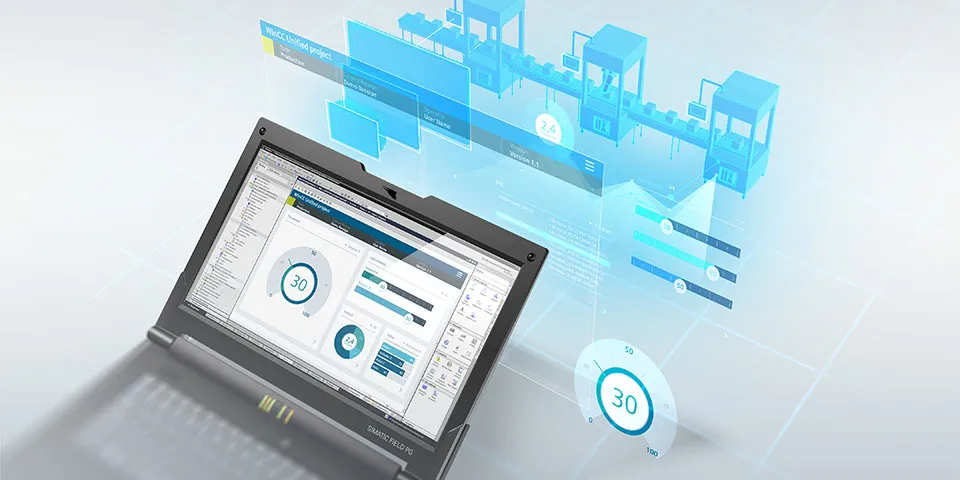
Siemens launches two new Plant Intelligence options for the WinCC Unified system: ‘Performance Insight’ and ‘Calendar’ will enhance WinCC Unified…
- New Plant Intelligence options, fully integrated into WinCC Unified and available on a tablet or PC
- The ‘Performance Insight’ option for easily displaying and calculating key performance indicators (KPIs)
- Create and visualise a structured production schedule with the ‘Calendar’ option
Siemens is launching two new Plant Intelligence options for the WinCC Unified system: ‘Performance Insight’ and ‘Calendar’ will add functions to the WinCC Unified visualisation system that provide greater transparency and enable structured planning of production processes. The add-on options can be combined individually to suit the application’s intended use, and are fully integrated into the system, making all functions available to users on different devices such as tablets and PCs. Using the information gained to plan ahead can reduce costs and prevent production errors. It can also improve the utilisation of production facilities, increasing productivity and efficiency.
The new Performance Insight option provides users with both a formula editor for calculating key performance indicators (KPIs) in accordance with ISO 22400 and a wide range of WinCC controls for displaying and analysing them. The performance, quality and availability of the production plant can be visualised using a broad range of charts, including bar charts, Gantt charts and multiline charts, enabling overall equipment effectiveness (OEE) to be calculated. Plant operators can record the status of the entire production process, from plant-wide operations down to individual machines, making it possible to systematically identify areas for further optimisation.
The ‘Calendar’ option for visualising structured production schedules is now also available in WinCC. It can be used to determine machine and plant operating times and to create standard templates for recurring production days and shifts. The calendar function can also be used to plot process execution on a timeline and, for example, consider starting a machine before the beginning of a shift. By taking operating hours into account, the new ‘Calendar’ option allows production processes and events to be scheduled more flexibly.
Question about this story? Ask your question
Keep following this
Get an email when a new story is published. No account needed.
- SubjectNews