











Design tool checks servo motor and gearbox combinations
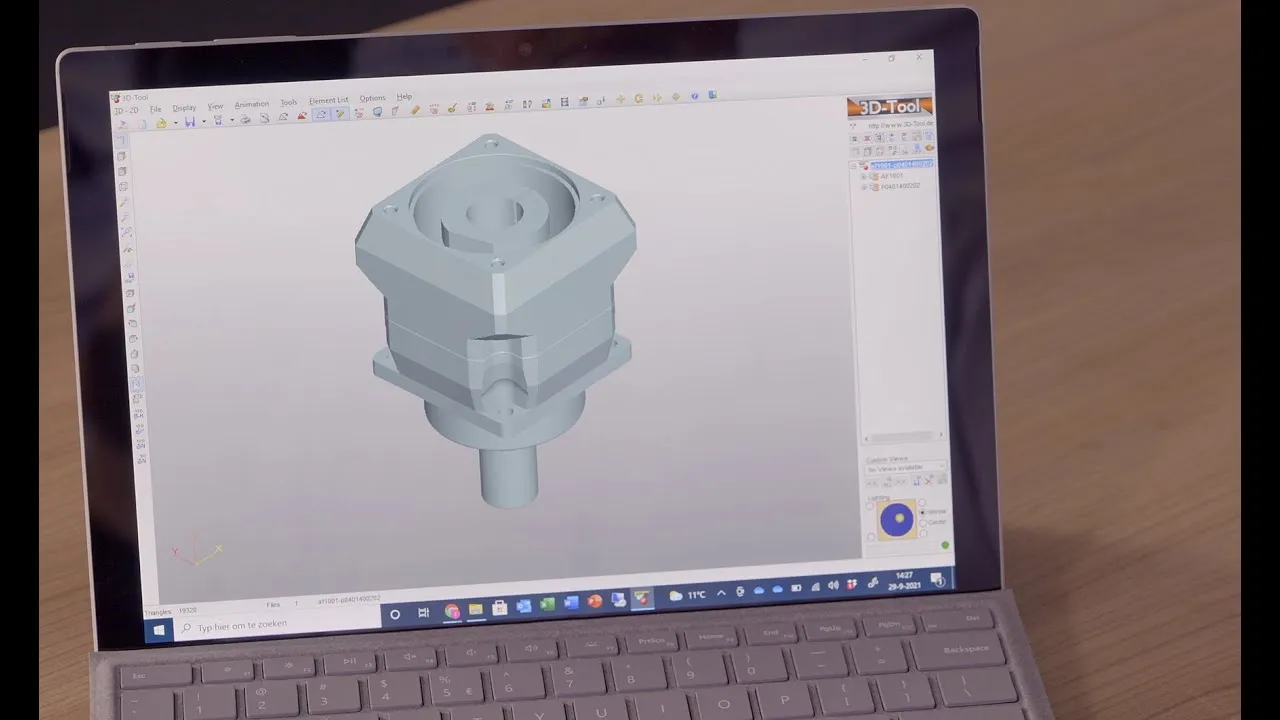
What is our design tool used for and, more importantly, how do you use it? In this video, we take you through the tool step by step. Managing Director Thom van Oss explains the benefits of using it, using a servo motor and gearbox combination as an example.
DESIGN TOOL FOR GEARBOXES, RACKS AND PINIONS
The Design Tool is an online configurator that lets you check servo motor and gearbox combinations, as well as racks and pinions. You can also download 2D and 3D technical drawings. Engineers can use the STEP file to design the machines they need more efficiently and quickly.
You can launch the Design Tool from various places on our website. Once you have opened it, simply follow the steps. The programme asks you to select the type of servo motor you will be using. It also asks you to select the gearbox you have already chosen. The type of gearbox will, of course, depend on your application.
ALL KEY SPECIFICATIONS INCLUDED IN THE TOOL
The Design Tool has been developed to cover as many requirements as possible, including all key specifications such as input shaft diameter, permissible torques, maximum speeds and mass moments of inertia. If the desired gear ratio or required ratio is not listed in the tool, we recommend getting in touch. Apex Dynamics will then check whether the combination is mechanically feasible and why the desired ratio cannot be selected, and advise you accordingly. Finally, you can also select the gearbox output shaft design and the desired backlash class.
Once all the required information has been provided, Apex Dynamics can get to work supplying the complete product you requested.
Question about this story? Ask your question
Companies in this story

Keep following this
Get an email when a new story is published. No account needed.
- ThemeMotion with less energy
- SubjectMotion, gears & drives
- CompanyApex Dynamics